How to Tell If a Hotel Room Safe Is Large Enough for a Laptop
A hotel room safe may look large enough for a laptop while still being too small where it matters. The useful measurements are the safe’s interior width, interior depth, interior height, and door opening, not simply its exterior dimensions. A laptop also needs enough clearance to pass through the opening without being forced against the hinges, keypad housing, or locking mechanism.
If you travel with a laptop and consider secure in-room storage important, check the safe specifications before booking when possible. When specifications are unavailable, a few practical measurements can help you determine whether the computer is likely to fit once you arrive.
Quick answer: measure the laptop and the usable safe opening
- Measure your laptop’s actual width, depth, and thickness rather than relying only on its advertised screen size.
- Compare those measurements with the safe’s interior dimensions.
- Check the door opening because it can be considerably narrower than the safe’s interior.
- Allow extra clearance for the laptop sleeve, charger, documents, and anything else you plan to store.
- Do not force a laptop through an opening that is only marginally large enough.
Laptop screen size does not tell you the computer’s dimensions
A laptop described as 13, 14, 15, or 16 inches is generally being categorized by the diagonal measurement of its display. That number does not directly tell you the overall width or depth of the computer.
Two laptops with similar screen sizes can have different footprints because of bezel width, case design, aspect ratio, and chassis construction. A slim 15-inch computer may fit somewhere that a bulkier model with a similar screen measurement will not.
For that reason, measure the actual closed laptop. Record its width from side to side, its front-to-back depth, and its thickness. If the computer normally travels in a protective sleeve and you intend to put the sleeve inside the safe as well, measure the sleeve rather than the bare computer.
Interior dimensions matter more than exterior dimensions
Safe specifications sometimes provide exterior and interior measurements separately. These numbers should not be confused. The walls, door, hinges, locking components, keypad assembly, and other hardware consume space, so the usable compartment is smaller than the outside dimensions suggest.
Laptop-compatible hotel safes illustrate how much designs can vary. Some models have relatively wide, shallow interiors intended for a laptop lying flat, while others are deeper or taller. There is no single interior size that should be assumed whenever a property simply lists an in-room safe among its amenities.
If a hotel provides dimensions, look specifically for wording such as internal dimensions, interior dimensions, or usable dimensions. Compare all three measurements with your laptop rather than focusing solely on width.
Door clearance can be the deciding measurement
A safe can technically have enough room inside while still having an opening that is too small for the laptop to pass through comfortably. The door frame, hinge mechanism, locking bolts, or surrounding structure may reduce the usable opening.
This is particularly important with front-opening models. You may need to angle the laptop slightly to move it through the doorway, and a tight interior may leave too little room to rotate it into position once it is inside.
If a manufacturer publishes a separate door opening or door clearance measurement, treat that as an important part of the fit calculation. A few extra inches of interior width do little good if the laptop cannot pass through the entrance without pressure.
Top-opening and front-opening safes fit laptops differently
Hotel safes do not all use the same layout. Front-opening models resemble small cabinets, while top-opening models are often installed inside drawers or furniture and open upward.
A top-opening safe can be convenient for a laptop because the computer may be lowered directly into a broad compartment. However, usable depth and the furniture surrounding the lid still matter. A front-opening safe may offer a larger overall compartment but require more attention to door clearance.
Neither design is automatically better. The important question is whether your particular computer can enter the safe easily and rest inside without pressing against the door or hardware.
Leave room for more than the laptop itself
Travelers rarely want to secure only a bare computer. You may also want to store a charger, external drive, passport, documents, headphones, or other valuables. A safe that fits a laptop with almost no remaining space may therefore be less useful than its dimensions initially suggest.
A charger can be particularly awkward because the power adapter and cable create irregular shapes. Avoid placing bulky objects where they might interfere with the safe door or locking bolts. If space is limited, disconnect accessories and arrange them separately rather than piling them directly on top of the computer.
What to check before booking a hotel
If laptop storage is important to your trip, review the property’s room information for references to an in-room safe or laptop-size safe. A statement that a safe is present does not necessarily establish that it accommodates your particular computer.
Look for an explicit description such as laptop-compatible safe or published interior dimensions. If neither appears, contact the property directly and ask whether the safe can accommodate a laptop of your computer’s measured dimensions.
Giving actual measurements is more useful than asking whether the safe holds a 15-inch or 16-inch laptop. Staff may otherwise be working from a general description rather than the physical dimensions of your device.
How to test the safe after you arrive
Before placing the laptop inside, open the safe fully and inspect the available space. Look for hinges, shelves, protruding bolts, or other hardware that reduces the apparent compartment size.
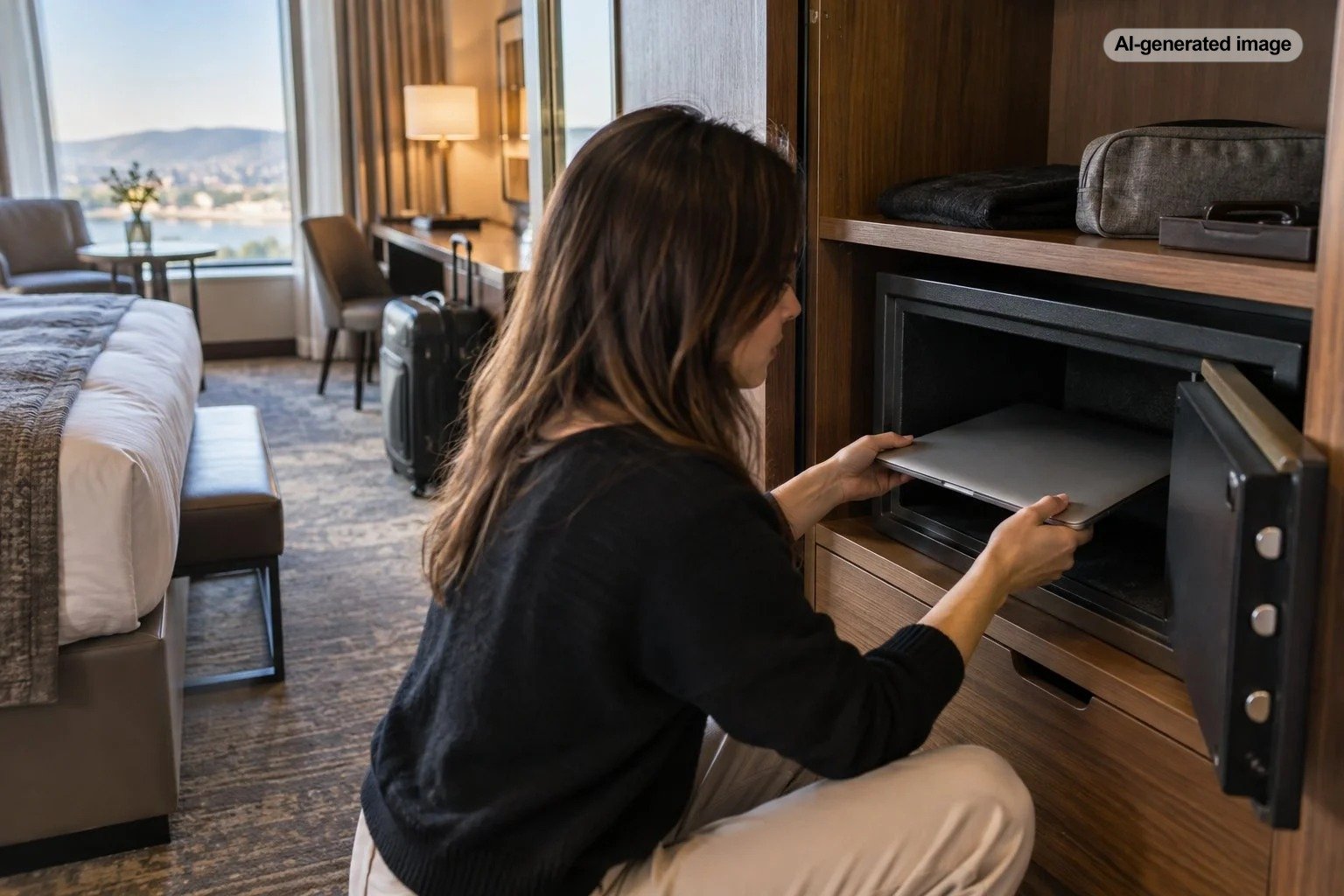
Insert the laptop gently without forcing or flexing it. Make sure it rests completely within the compartment and that no part of the computer, sleeve, cable, or charger extends into the path of the door or locking mechanism.
Close the door slowly before locking it. If you feel resistance, stop and reposition the contents. The goal is comfortable clearance, not a fit that depends on compressing a sleeve or pushing against the computer.
Do not assume a safe labeled for laptops fits every laptop
The phrase laptop safe is useful, but it is not a universal size standard. Different commercial hotel-safe designs have different internal dimensions and door openings. Larger-screen computers, gaming laptops, workstation models, ruggedized laptops, and devices inside substantial protective cases can require more room than slimmer business notebooks.
This distinction becomes especially important for travelers carrying newer large-screen models. Even if the diagonal display measurement appears close to a safe manufacturer’s stated laptop compatibility, the computer’s complete chassis dimensions remain the better comparison.
What travelers often overlook
The most commonly overlooked issue is the difference between capacity and usable shape. A safe can have considerable volume yet still be unsuitable for a wide, flat object. Internal shelves, narrow openings, shallow compartments, or projecting hardware can all affect practical laptop storage.
Location matters as well. A safe positioned low inside a closet may require the laptop to be maneuvered at an awkward angle. A drawer-mounted top-opening safe may provide easier access even when its total capacity is smaller.
Think about your entire travel setup rather than just whether the computer technically fits. A comfortable margin around the laptop makes everyday use simpler and reduces the temptation to force accessories into an already crowded compartment.
Frequently asked questions
Will a hotel safe usually fit a 15-inch laptop?
Some hotel safes are specifically designed for laptops around this general size, but others are intended primarily for smaller valuables. Check the actual interior dimensions and door opening rather than assuming compatibility based on the safe’s appearance.
Can a 16-inch laptop fit in a laptop safe?
Possibly, depending on the laptop’s physical dimensions and the safe design. Screen size alone is insufficient for determining fit. Compare the closed computer’s width and depth with the safe’s usable interior and opening.
Should I measure my laptop with its case?
Yes, if you intend to place the protective case or sleeve inside the safe. A padded sleeve can add enough width, depth, or thickness to turn a comfortable fit into a tight one.
What if the hotel does not publish safe dimensions?
Contact the property and provide your laptop’s actual measurements. Ask specifically about the usable interior dimensions or whether the room safe accommodates a computer of that size.
Is a larger-capacity safe automatically better for laptops?
No. Overall capacity does not describe the shape of the compartment or the size of its opening. For laptop storage, usable width, depth, height, and door clearance are more informative than volume alone.